
Everything between the table and the kitchen
Airlod Restaurant connects the guest's phone, the floor app, the kitchen screen and the manager's dashboard. Each person sees what concerns them, when it concerns them.
QR ordering at the table
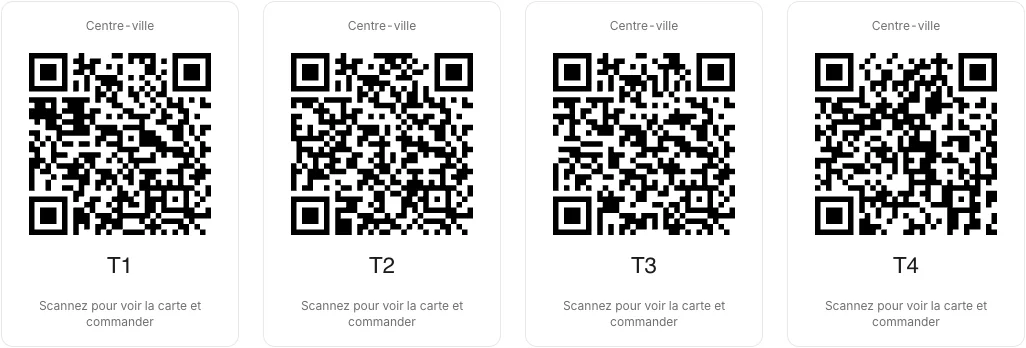
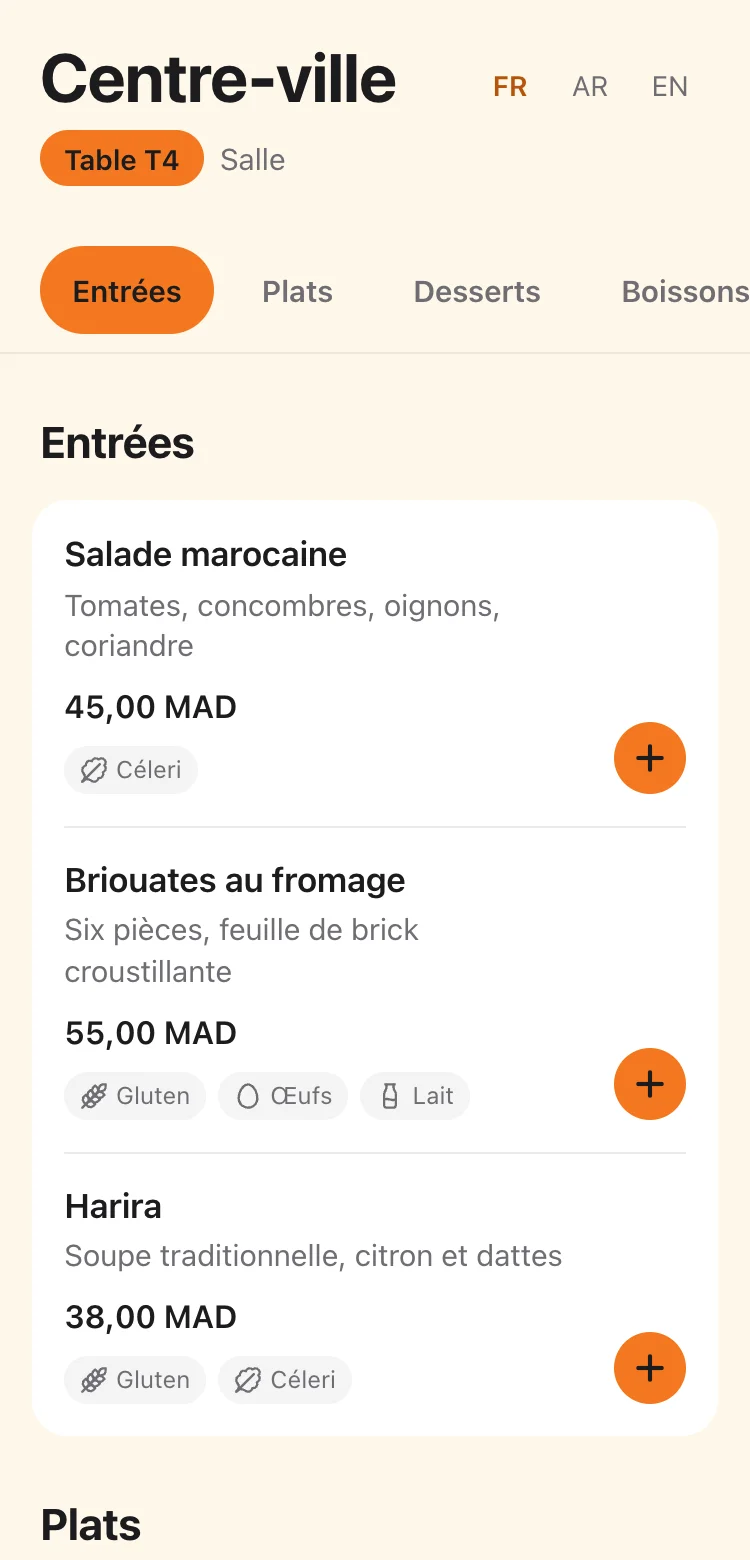
Every table has its QR code. Guests open the menu, build their order and send it, without downloading an app.
- Ordering page in French, Arabic and English, with allergens dish by dish
- Variants and extras with their rules: required choice, minimum, maximum
- Total and fees shown before confirming
- Order status on the phone: received, cooking, ready
- A deactivated or replaced QR code can no longer place orders
Floor app
On the waiter's phone or tablet: tables, orders to confirm, dishes ready and the bill.
- Tables by area, with their state: free, to confirm, ready, served
- Enter an order for a guest who prefers not to scan
- Confirm or decline an order, with a reason
- Bill printed on 80 mm or A4, multiple payments recorded
- Mark a dish unavailable from the floor
Kitchen screen
Tickets arrive on a tablet or screen, per station. No more lost or unreadable tickets.
- Tickets sorted by station: kitchen, bar, pastry
- Colour by how long the ticket has waited
- A cancelled line stays visible, struck through
- Start cooking, mark ready, in one tap
- Pair the screen with a 6-digit code, no personal account needed
Dashboard, statistics and exports
The manager follows the day as it happens and can trace every ticket correction.
- Today's orders, revenue and average ticket
- Orders per hour and best sellers
- Cancellations counted apart, so they do not distort sales
- CSV, Excel and PDF exports
- Audit log: who changed what, and when
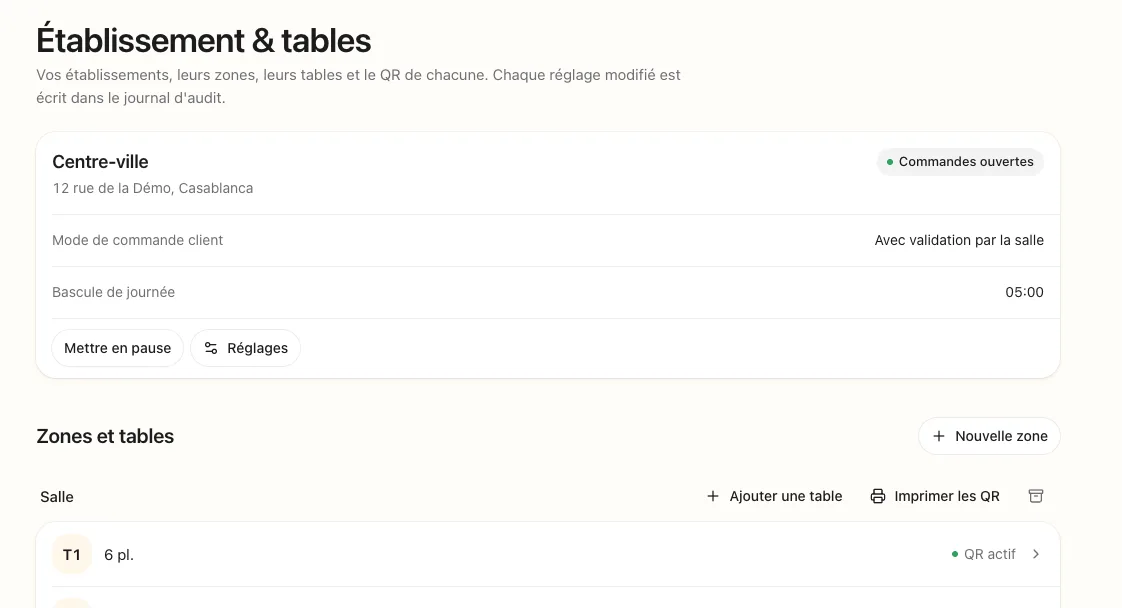
Your venues, areas and tables
Each table has its QR code, which you can download, deactivate or replace. Every changed setting is written to the audit log.
An app you install
The floor app, the kitchen screen and the dashboard install from the browser onto the home screen. No app store, no updates to manage.
- On your devices
- Phones, Android tablets or iPads, the office computer.
- If the network drops
- Orders entered wait on the device and are sent when the connection returns, exactly once.
- Alerts
- Sound and signal for a new ticket in the kitchen, an order to confirm or a dish ready on the floor.
Show us your menu
We prepare the demo with your dishes and your tables.